Travel
Ask for directions and understand the reply.



Speak naturally, even in another language.
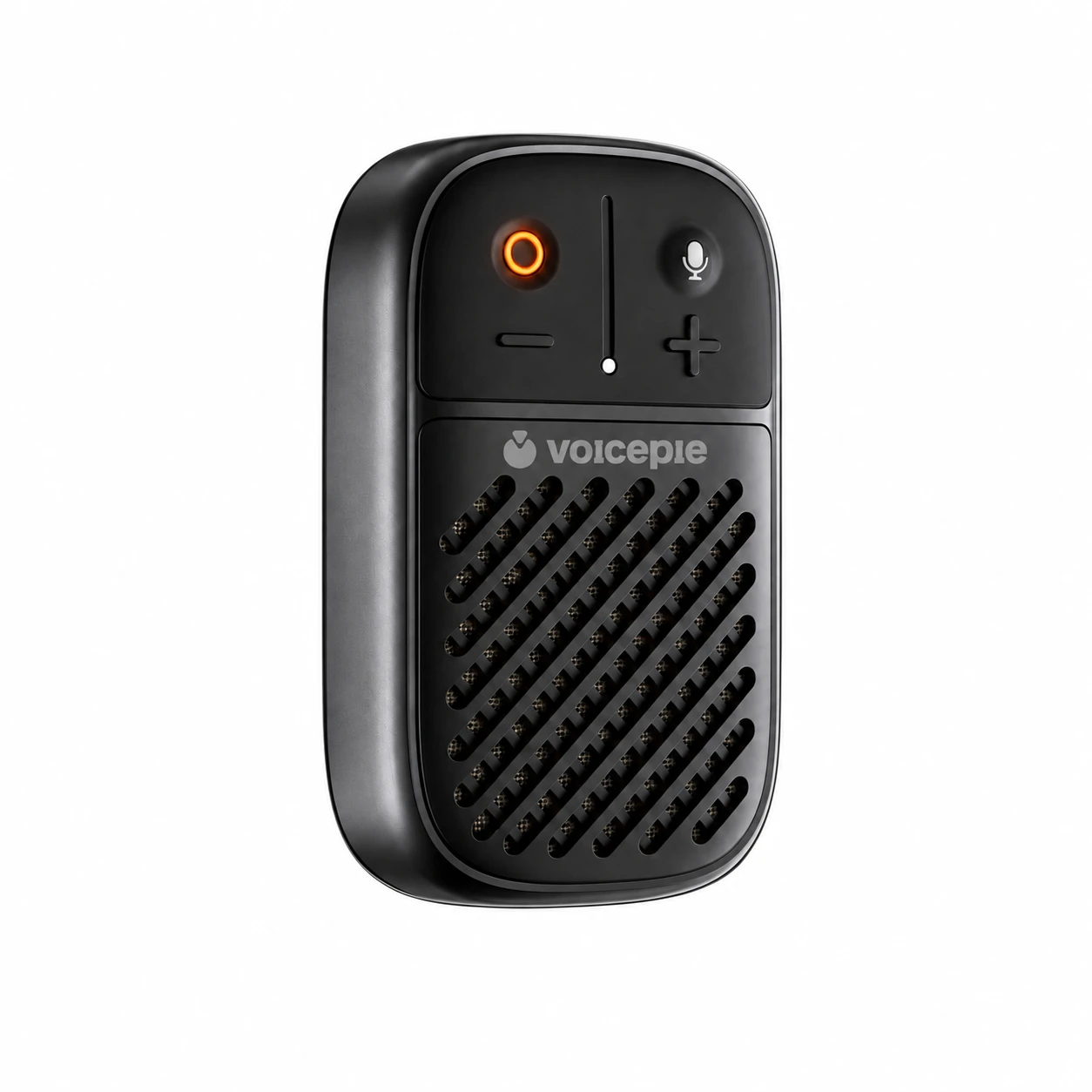
Ask for directions and understand the reply.
Take turns sharing ideas with a friend who speaks another language.

Talk face to face with overseas customers about what they need.
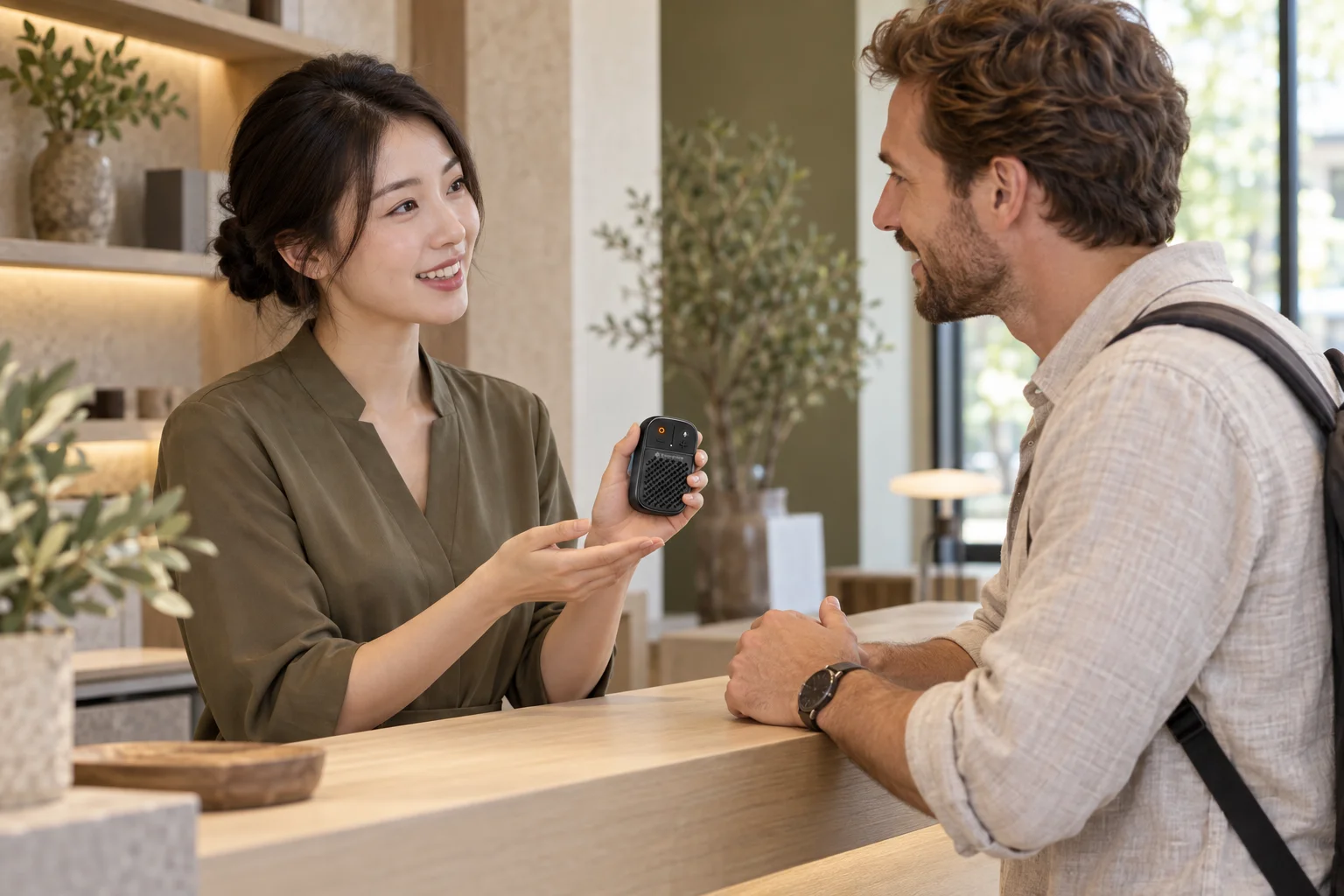
Power on → Hold to speak → Release to listen
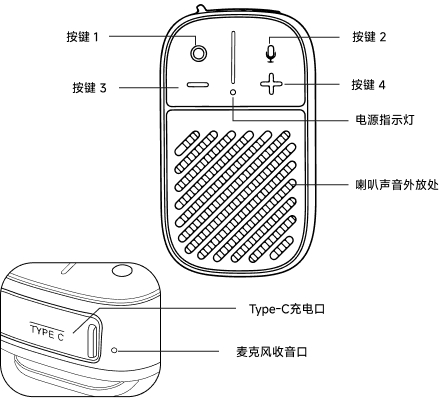
Button 1: power. Button 2: hold to speak. Button 3 − / button 4 +: volume.
Chinese and English are the default. For another language, such as Japanese, let the other person hold button 2, speak after the tone, then release. Your device identifies their language and translates into Chinese. Speak Chinese next to translate back into their language.
Press button 4 + to raise the volume, or button 3 − to lower it.
Blue: operating normally. Red: charging. Purple: in use while charging. Green: fully charged.
Connect a charging cable to the USB Type-C port. To power off, hold button 1 for about 2-3 seconds, release, and wait for the light to go out.
After about 2 minutes without a translation, your device returns to Chinese and English. To use another language again, let the other person speak first.
Register your interest to hear when the first products become available.
Register Your Interest